
7-segment displays
Leave a comment22. July 2024 by Peter
This is a rather long and exhausting story about 7-segmens displays for my overhead. The overall issues are interfacing Arduino, Mobiflight and Pokeys.
tl;dr : After half a year of frustration with Arduino I switched to Pokeys and it worked out of the box.
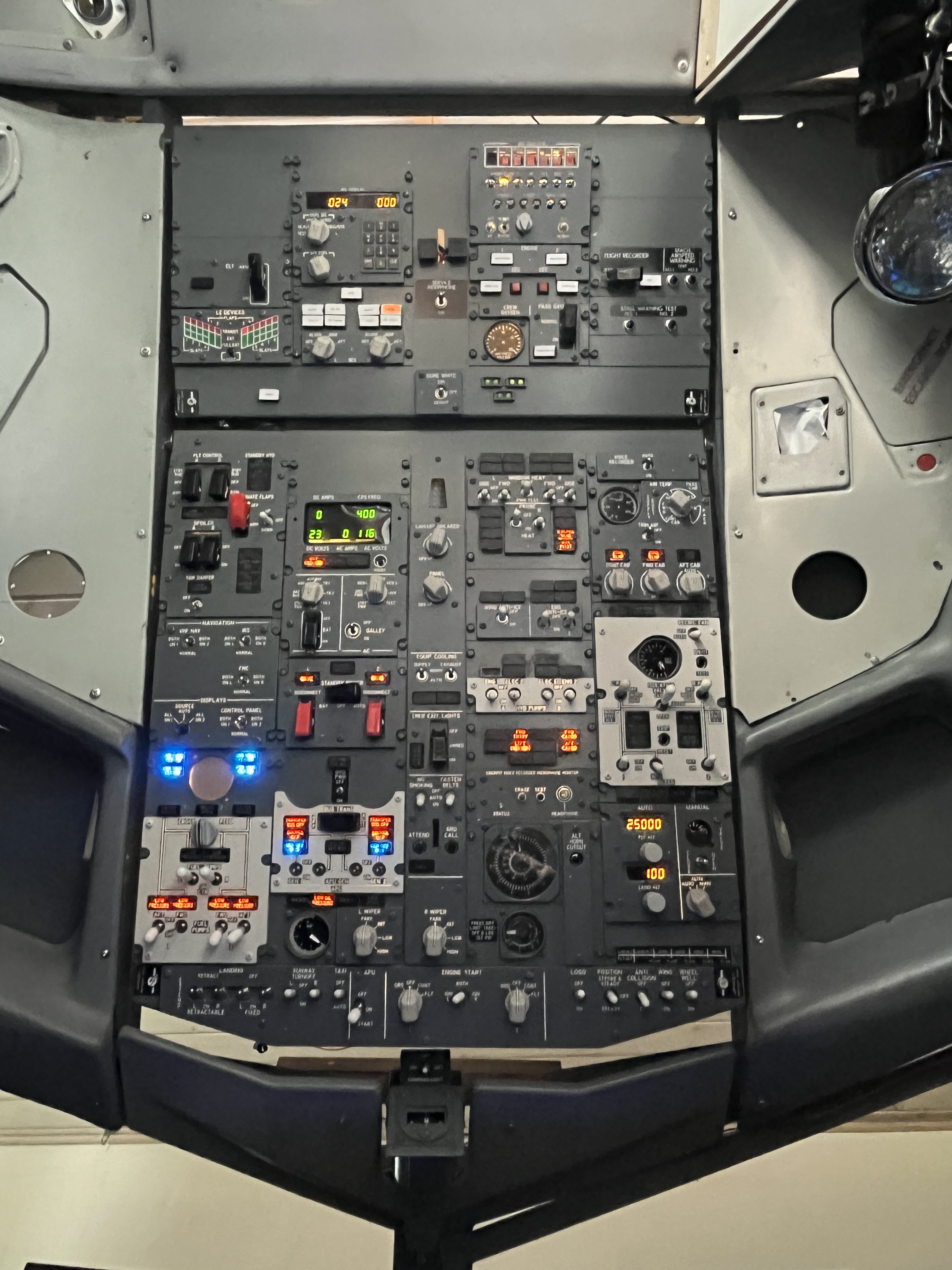
Background is that I some years ago bought a used SimWorld overhead in Den Haag, NL. It was missing some gauges and the 3 displays with 7-segments (Electric display, IRS display, Land/FLT altitude).
Last fall I decided to do something about it and started considering which way to go. Only thing I knew was I not was going to use OpenCockpits MasterCard+ DisplayII-cards. After having used then in my pedestal for many many years I have been moving away from OpenCockpits, and hardware wise it would also require many boards.
I know many are switching to Arduino. They are versatile and cheap. So I decided to give it a go. Arduino and Mobiflight together with the Max7219 chipset. What could go wrong. Well apparently a lot you embark new terretory.
Prior experience
Earlier I have been DIY’ing 7-segment displays in my pedestal for the radios. I was using OpenCockpits MasterCards and DisplayII cards for the radios. Two lessons from that experience. First of all there is a ton of wires. Each radio required 8 + 6 + 6 wires a total of 20 wires. Second I experienced instability. Some times the displays would not light up.
So in a perfect world the driver ship for the 7-segment displays should be moved as close as possible to the panel. The Max7219 seemed like a good solution.
Arduino and the MAX7219 chipset
Getting the MAX7219 chipset to work has been a story of agony. I had been using a non-original Arduino Mega card so I took that in to use.
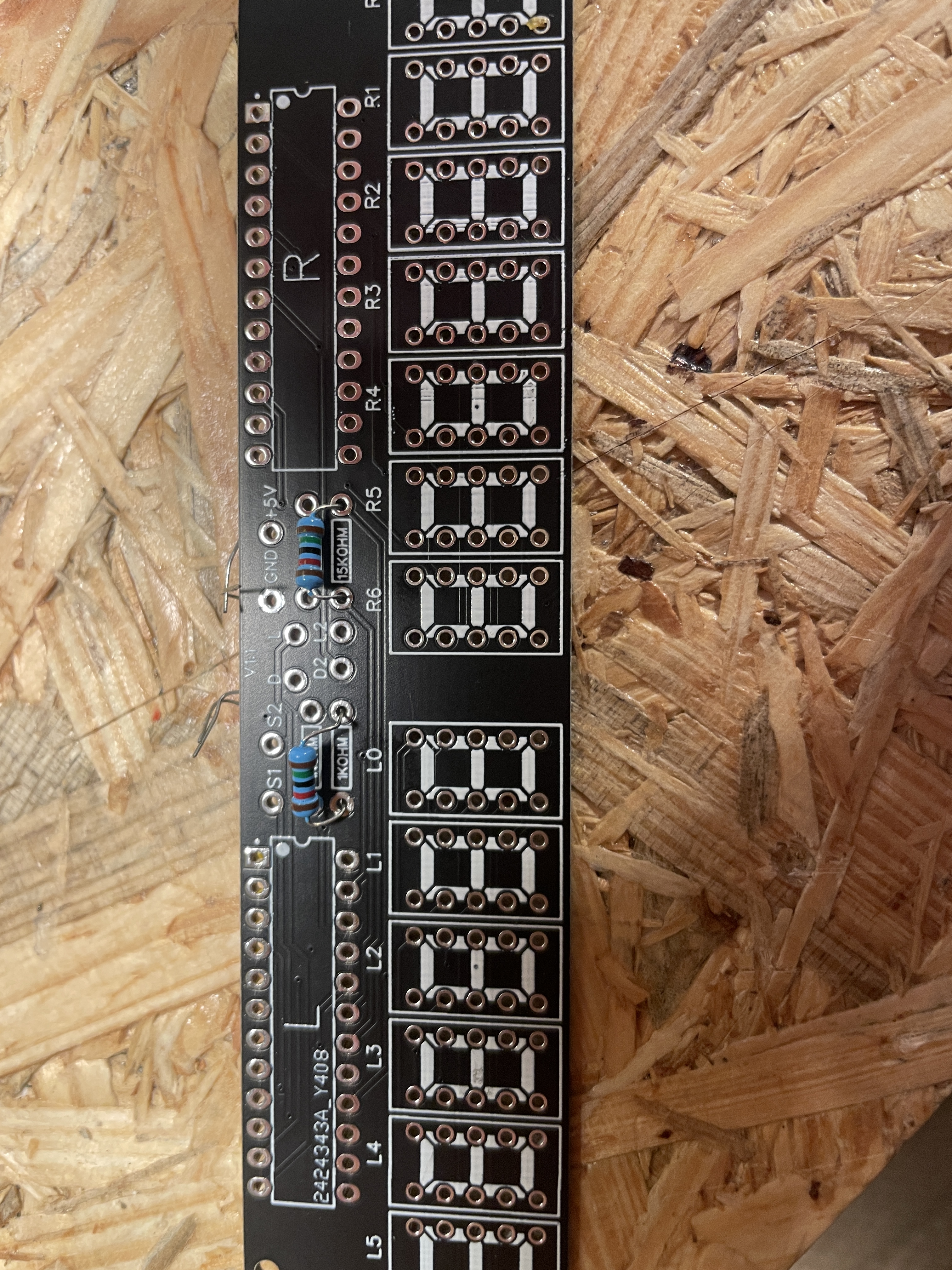
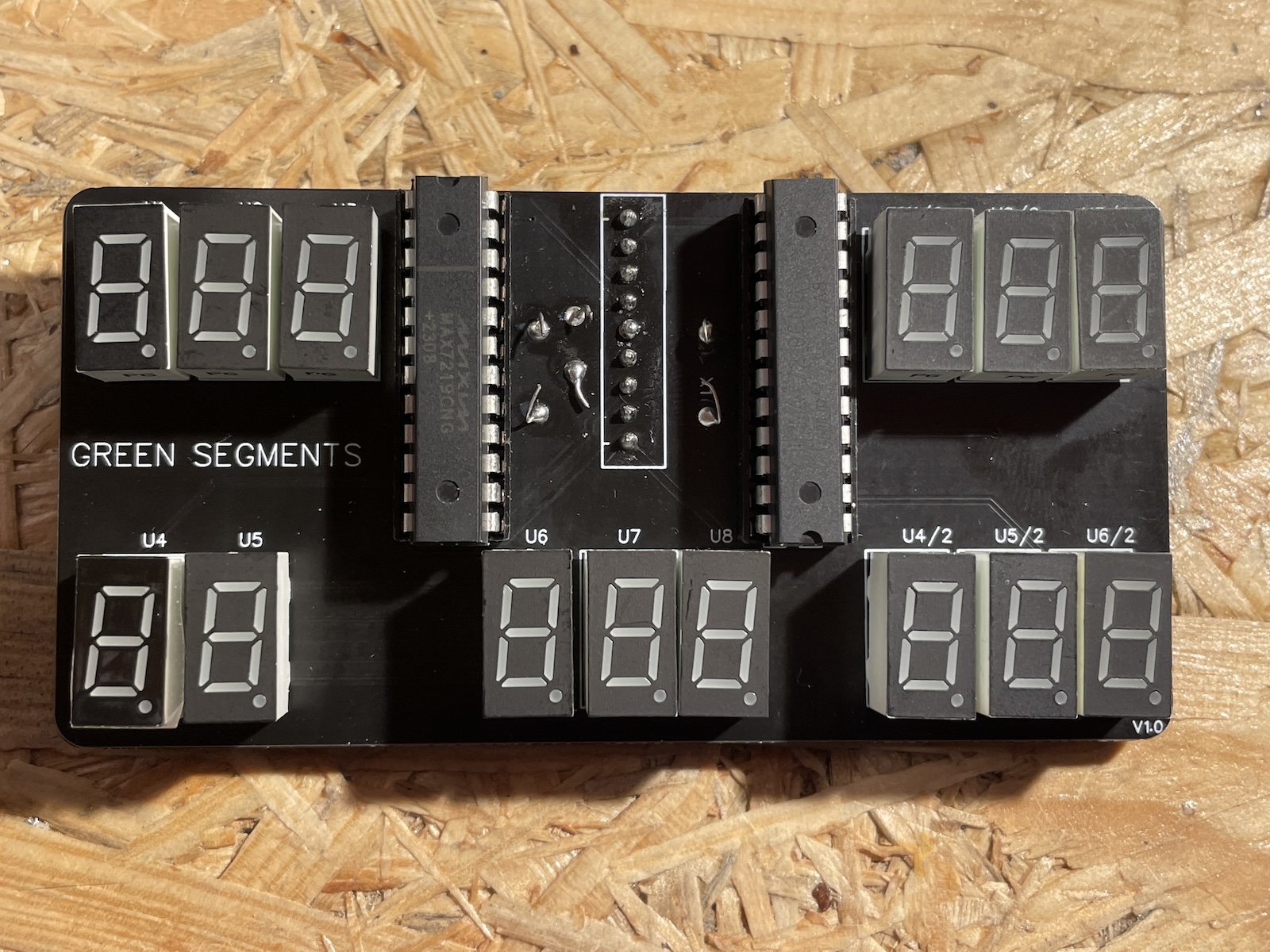
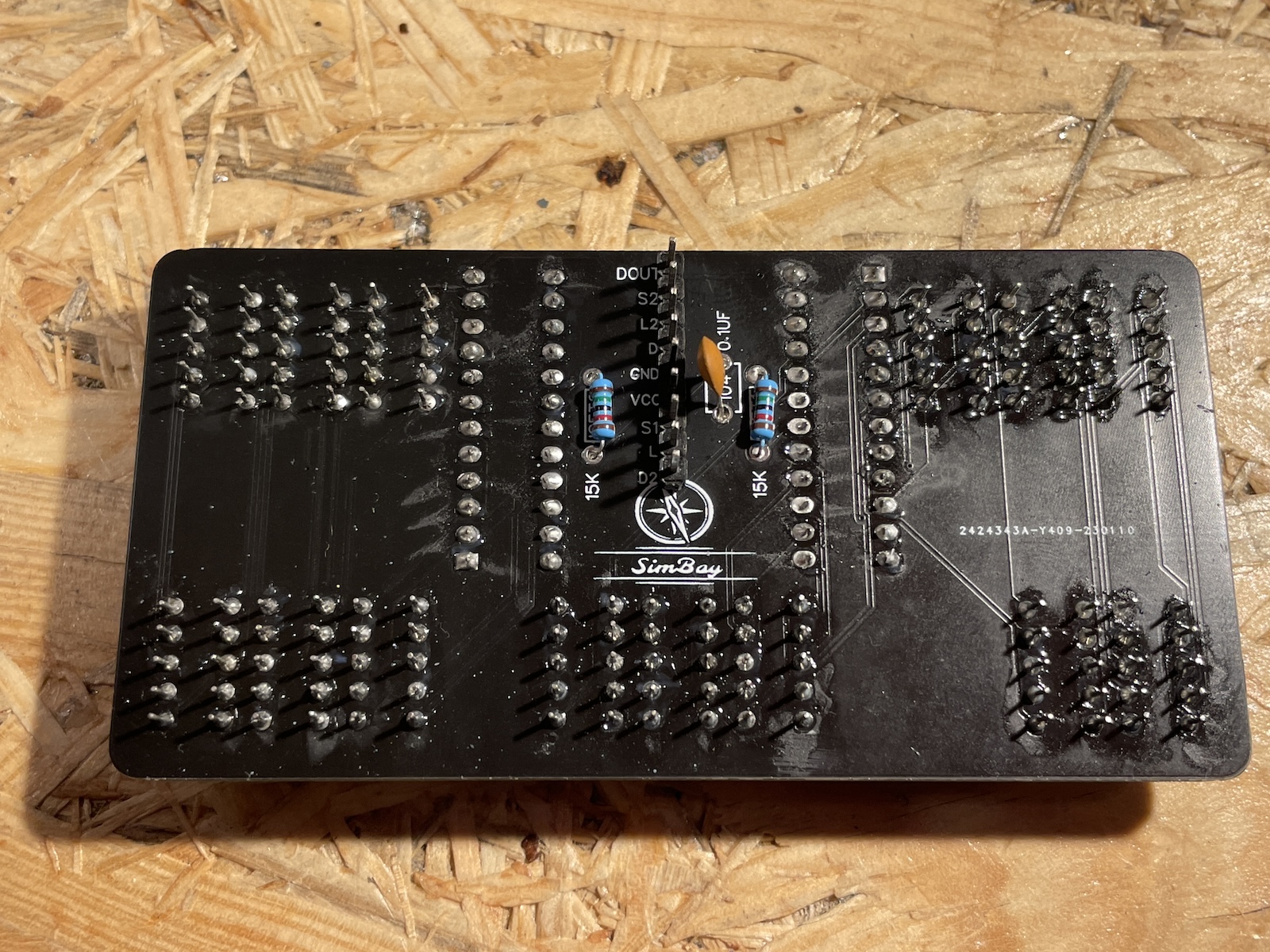
Based on my pedestal-experience I started looking for PCBs with both displays and the Max7219 chip and found a good match from a Polish based company called SimBay. All displays with all components was around €100. I big shout out to the guys at Simbay – they have been great. They were very kind answering all my questions prior ordering and adjusting the order to my wishes in display colors. Placed my order in November 2023. First package got lost in the mail. Not Simbays fault. After a month of waiting I reached out to Simbay and no questions asked they send a new package. It arrived a week later. By now it is January 2024.
I bought the DIY versions in order to safe some euros so I started soldering. I should have learned by now that I really must buy ready plug’n’play versions instead of DIY when possible. There are just too many things that can go wrong when making things you self instead of buying assembled and (most important) tested units.
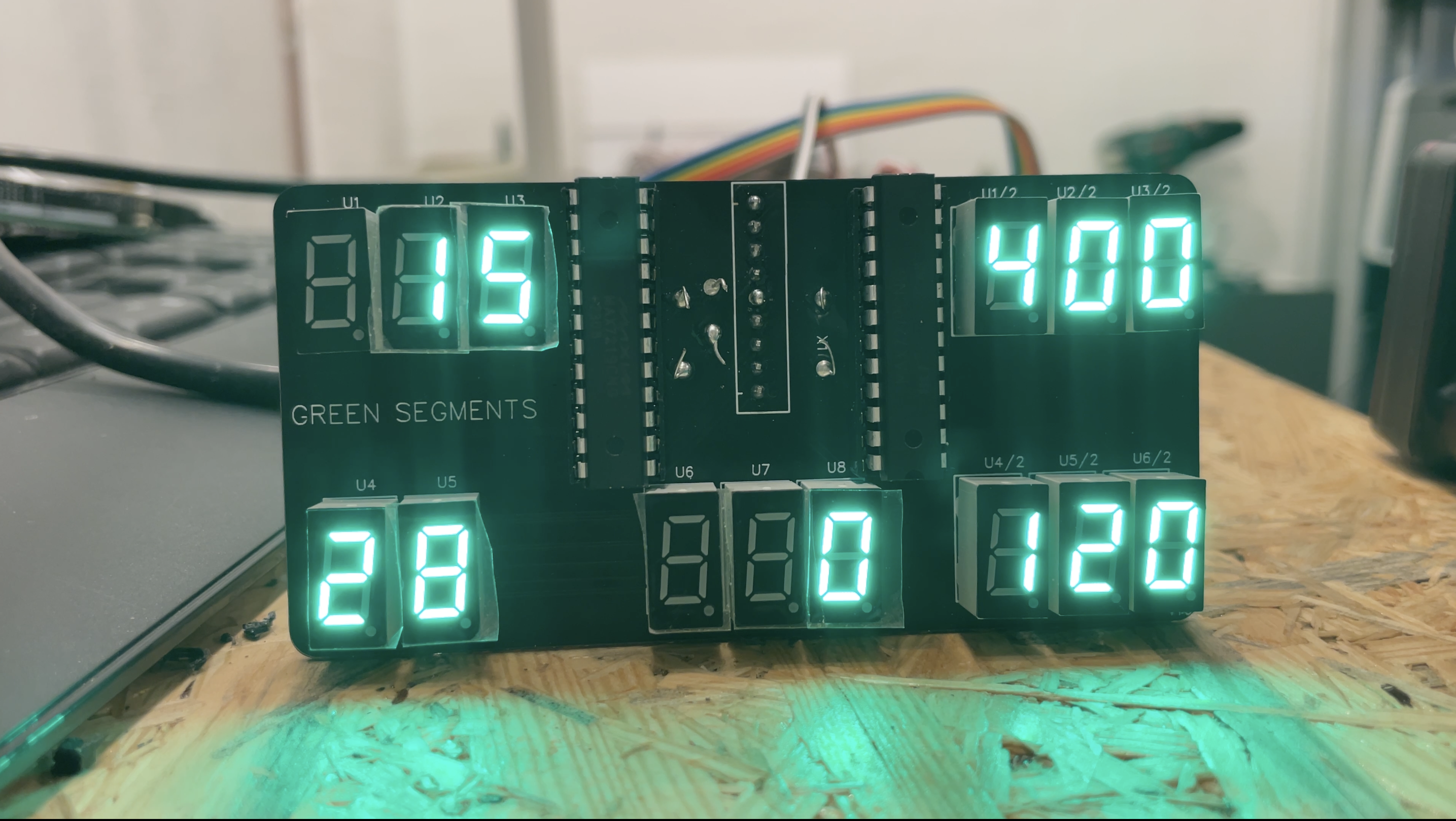
The electronic display worked! Succes!!!
But I could not really get the other displays to work. The IRS-display was dead and the altitude displays was flickering a bit, but mostly off. I started looking for causes for errors.
- First I turned to the wiring. I checked and double checked the wiring and making sure to use an oversized wire gauge for the power. Everything seemed absolutely fine. So what could the reason be?
- Then I turned to my non-original Arduino board. I need two boards for the overhead. So I invested in two original Arduino Mega boards. Just as a precaution in case the original somehow would be superior to the no-name versions. Price €100. The boards arrived a few days later. But even with the original boards still no succes.
By now it is February 2024, three months after I started this project. - Back to the wiring. I started checking everything on the board with a multimeter to insure my soldering was okay with no loose connections. Again everything was okay and mounted the right way.
- I tried rotating the Max7219 chips in case some of them were faulty. The IRS display and altitude displays never turned on. The altitude displays was still flickering and now the electronic display all of a sudden showed all 8’s on one side and was black on the other side. So I cycled the ICs back. But the electronic display did not go back to working. But I suspected the Max7219 chips. So I bought a batch of new chips from China. Lead time 4 weeks so by the time they arrived it is end March 2024.
- Once the new Max7219 chips arrived I tried switching the original chips from SimBay with the ones I just ordered. Same result. So it was not the chips. Everything from SimBay was in perfect order.
- As a last resort I ordered a stack of ready mounted MAX7219 with displays from AliExpress. The ones with 8 red digits and a Max7219 chip on the board. Again delivery time 3 weeks. and they arrived in May 2024 (Remember I started this in November?)
- I connected a ready-mounted Max7219 to my original Arduino Mega and loaded the script included in the Arduino software. The displays did not light up. I have read about those ready mounted units sometimes having faults. That is why I bought a handfull. Second unit worked. The digits started showing different symbols. But nothing like 1 – 2 – 3 – 4 but more like random turn on segments. So I tried the 3rd unit. Third time luck! The numbers started rolling. I felt lucky. Things were working and I could move on from there. Ha ha! As if… After around twenty minuts of testing this unit also started behaving strange, not erasing old numbers and only having half brightness while showing strange symbols.
That is when I gave up. Simple just gave up on Arduino and Max7219 chips.
By now it is June 2024 on a project I started in November the year before.
Pokeys and Flightsimparts to the rescue
My entire overhead runs on Pokeys cards (And Phidgets for the LEDs). One day browsing eBay I found a used electrical display from flightsimparts.eu. Flightsimparts seised operations about 3 years ago. But they were making 7-segment-units suited for Pokeys cards. I bought it right away. €50.
The units from Flightsimparts can handle 8 digits per display driver. The electrical panel has 12 digits, so two drivers are used. The panel must be connected to 6 specific pins on the Pokeys board, a 5v and ground. Fairly easy. Then configuring in Prosim737. Prosim has native support for Pokeys so it is just a matter of selecting the Pokeys board that the digits are connected to and then which digits to use.
It took me a few hours to realize that configuring the numbers must be done in backwards order.
Let’s assume the three “DC Volt” digits are pins 4-5-6 on the display driver. In Prosim737 you must configure the “DC Volt” display as “Digit 6”. Prosim then knows it has to use pins 4-6.
What I did to begin with was setting it as Pin 4. Prosim737 would then display the DC Voltage on pins 2, 3, 4.
Once configured in Prosim737 – It worked!!! I was so thrilled!
Really easy. The process was: Connect the wires to pin 9, 10, 11 and 23, 24, 25 plus 5v and GND on the Pokeys board. Assign the pins in Prosim737. Save configuration. Enjoy!
5 months of agony with Arduino and Max7213 versus 2 hours in installation with Pokeys.
So I started searching for the displays I was missing (IRS + 2x Altitude) from flightsimparts.com – now remember the company closed over 3 years ago. Wendy from Flightsimparts.com replied to one of my messages telling me that she still had items available. €175 lighter the IRS/navigation display and two 5-digit displays for the altitudes arrived from Wendy.
One hour if getting it wired and configured in Prosim737 and by start July I could finally close this part of my to do list and just enjoy things working.
Conclusion
I know €170 for two sets of displays sounds like a lot. Remember the introduction to this posting where I mentioned that some times it just pays off to get “ready to install” components instead of DIY’ing. Well there you have it. The Arduino adventure ended up costing me €120+ in sunk cost. The Pokeys solution €220 in total.
It is a lot of money to spend on 3 displays for the overhead. But thinking back DIY’ing 7-segment displays has always caused me problems. Both with my pedestal (OpenCockpits Display-cards) and in my Ardiuno+Max7219 test this spring. So in this case I think it ended up being money well spend to buy something ready assembled and ready to use after half a year of frustration.
Before I end this just a positive shout out to both the SimBay-team and Wendy.
The Simbay team was kind to answer all my different questions before ordering. The products (PCBs) are of a good quality. And when I ran in to problems they were helpful in trying to figure out what was wrong. I am sure that there was nothing wrong with what they send me, as I also had problems with the Max7219-units from China. So recommendations of SimBay.de from me.
Also a big thank you to Wendy from flightsimparts.eu. If you browse the webpage provides you with an email for Wendy. So if you consider going with the flightsimparts-units then go ahead and write her an email. There is also som Arduino driver-boards. Wendy was very polite and quick to post the displays.
 Build a Boeing